


New article
Recently updated
Enabling policy approvals and workflows

Who is this article for?
Administrators responsible for managing workflows.
Administrator access or Can Publish permissions are required.
This article walks you through the process of enabling policy approvals and workflows in Ideagen Procedure Management.
1. Enabling workflows
To enable policy workflows:
- Access your site.
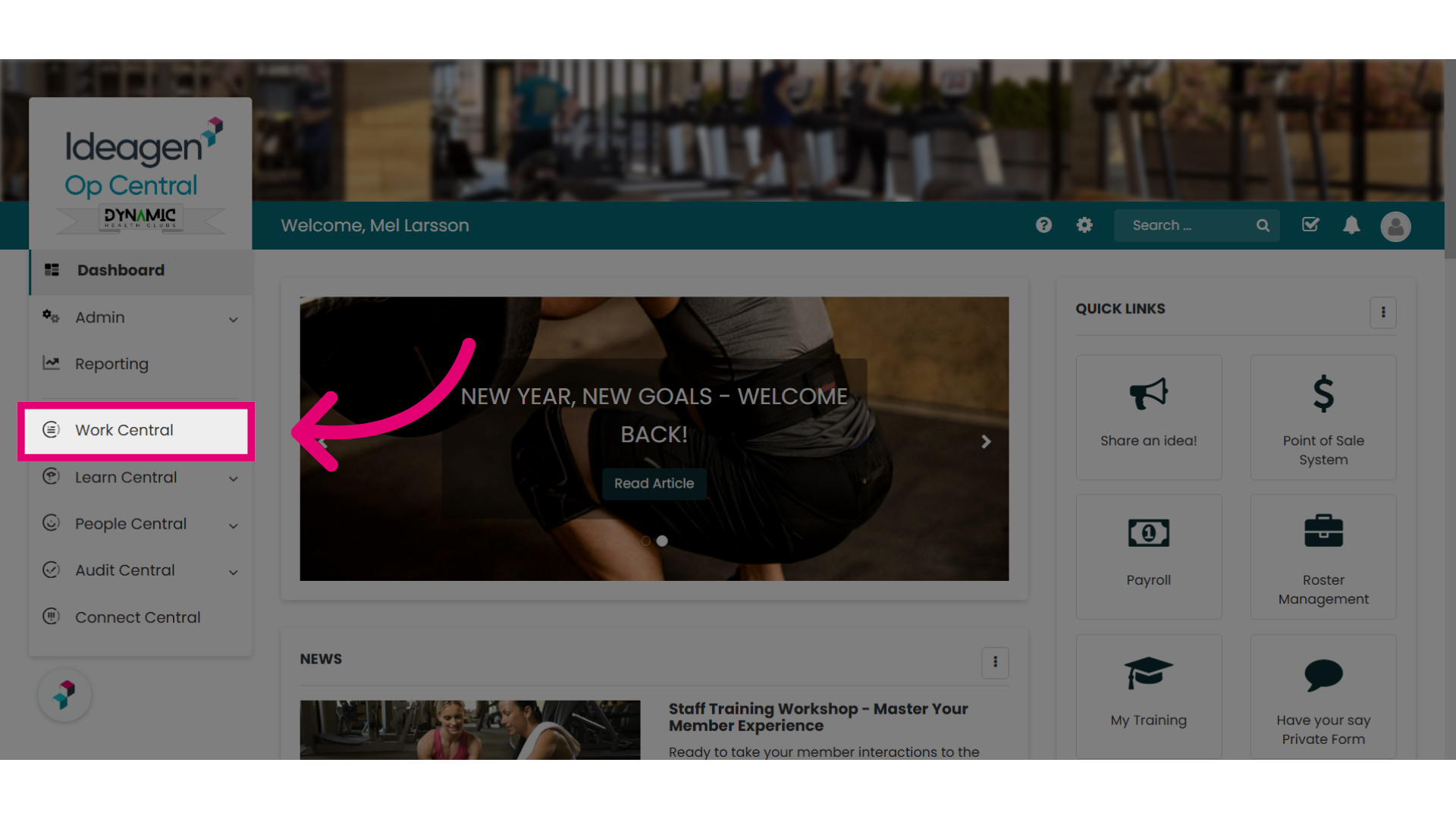
- Select Work Central.
For some customers, this might be Operations Manual.
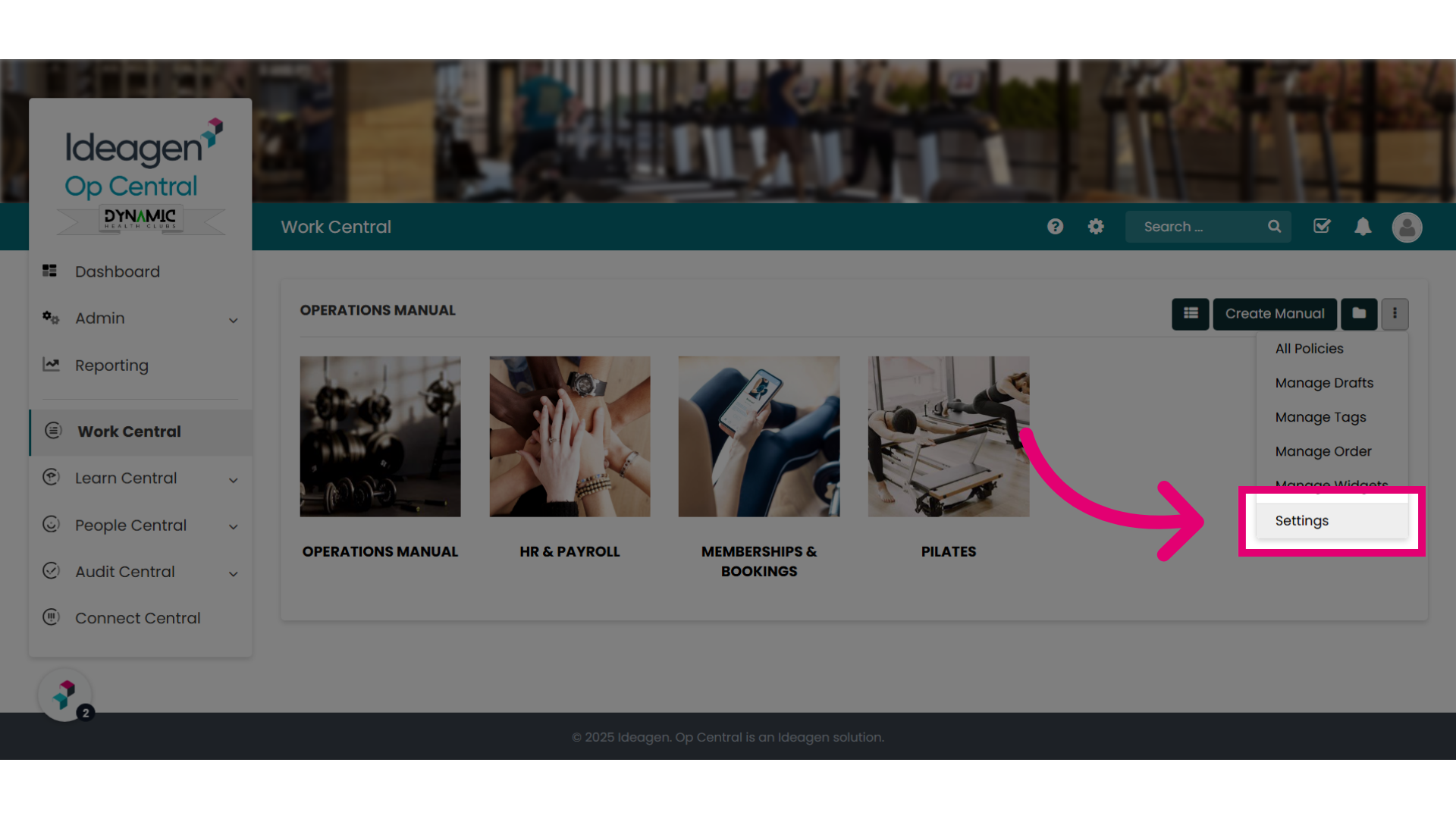
- Click the Ellipses icon.
- Select Settings.
- Toggle Enable Policy Workflows to On.
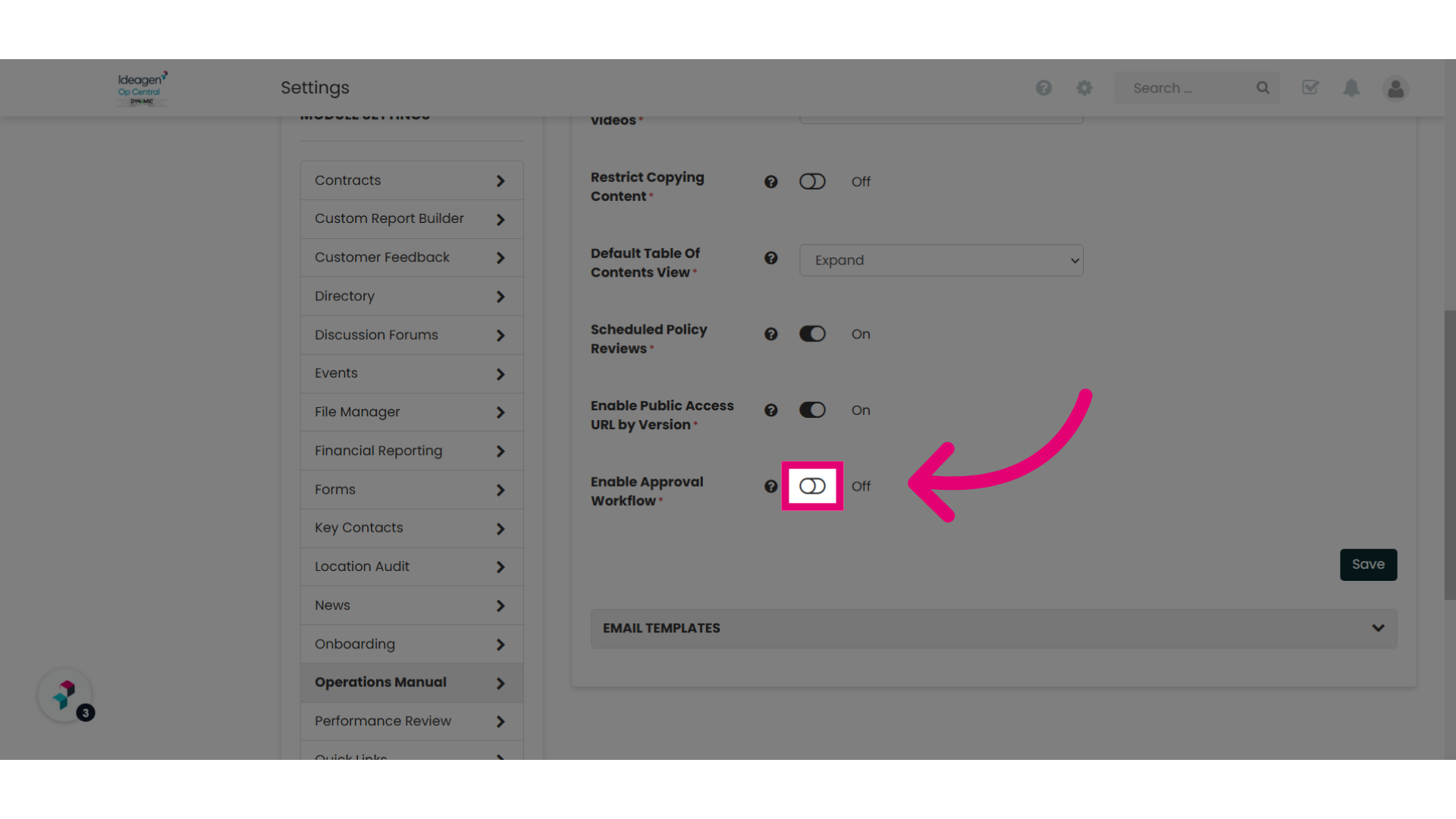
- Click Save.
You have now enabled Approval Workflows on your site, and new functionality will become available within the module.